OpenFlights Airport & Route Data
Quick answer: OpenFlights provides airport, airline, and route tables that can be converted into point and line GIS layers for aviation network visualization.
Next step
Already have the export?
Open a GeoJSON result in the browser to inspect its map and attributes before sharing or converting it again.
Format
CSV / DAT
Geometry
Point / line tables
Coverage
Global
Resolution
Airport and route-level
About this dataset
Airport, airline, and route tables that can be joined into GIS point and line layers.
Download OpenFlights airport and route data for aviation network mapping and transport analysis workflows.
More detailed information: https://ourairport.app/ — Browse 80,000+ airports with codes, maps and guides; open each airport page for detailed information.
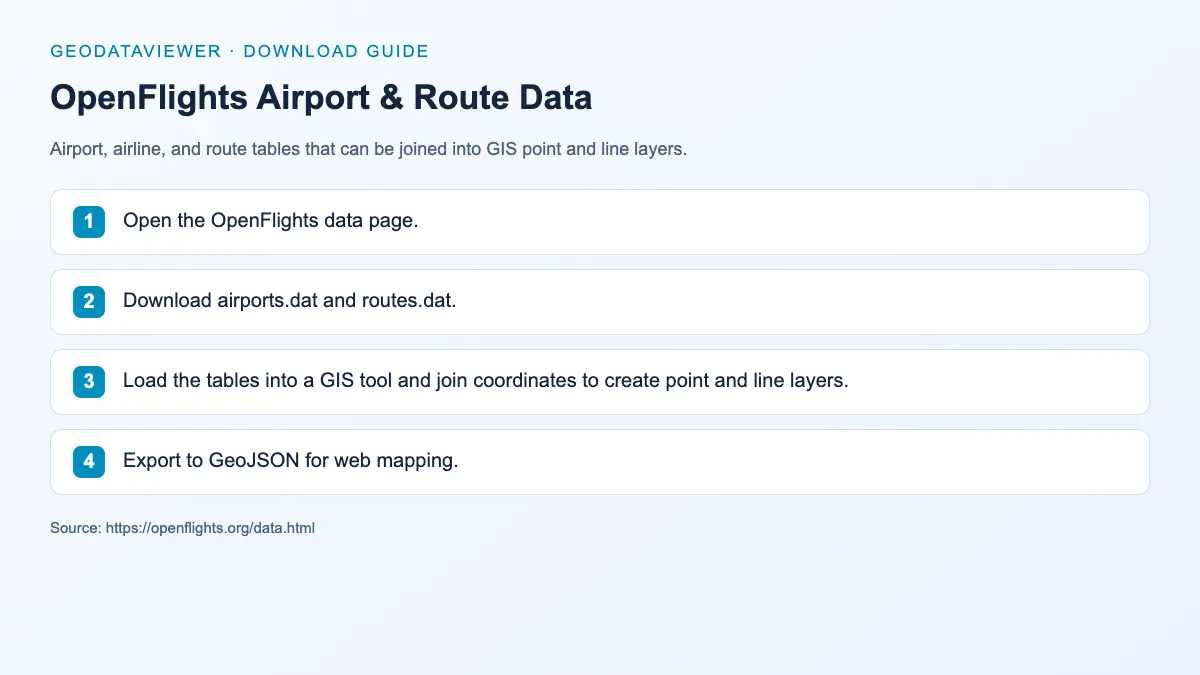
Download steps from this dataset’s GeoDataViewer guide. Follow the original provider for current files and access requirements.
How to download
- 1 Open the OpenFlights data page.
- 2 Download airports.dat and routes.dat.
- 3 Load the tables into a GIS tool and join coordinates to create point and line layers.
- 4 Export to GeoJSON for web mapping.
FAQ
Is OpenFlights data directly a GIS file?
No. It is tabular data with coordinates that can be converted into GIS point and line layers.
How do I create route lines from OpenFlights data?
Join the routes table with the airports table on source and destination IDs, then generate line features from coordinate pairs.