Overpass Turbo Export — Download GeoJSON, JSON & KML
Quick answer: To download Overpass Turbo as GeoJSON, run a focused OSM query, choose Export → GeoJSON, and open the result in a GIS viewer. KML and GPX are also available.
Get a small OSM extract, then inspect or convert it
- 1.For roads, buildings or waterways, open the area download tool below and select a small map area and layer.
- 2.For a custom tag query, use Overpass Turbo. Run the query, inspect the map, then choose Export → GeoJSON. Raw Overpass JSON is not GeoJSON.
- 3.Open the exported file, check tags and geometry, then convert to KML or Shapefile if needed. Keep OpenStreetMap attribution with redistributed data.
Overpass Turbo example: export cafe points as GeoJSON
This query selects cafe nodes in a small central London box. Open it in Overpass Turbo, choose Run, inspect the results, then choose Export → GeoJSON → download. The live result count changes with OpenStreetMap edits.
[out:json][timeout:25];
node["amenity"="cafe"](51.50,-0.14,51.52,-0.10);
out body;GeoJSON export versus raw Overpass JSON
The query setting [out:json] returns OSM elements, not GeoJSON. Overpass Turbo converts the result to a GeoJSON FeatureCollection when you choose that export option. Choose raw data/JSON for OSM processing code; choose GeoJSON for the map viewer below. For ways and relations, include the geometry or member nodes needed to construct complete features.
If the map is empty, check the area and tags. If the query times out, shrink the area. Read the official export structure and limitations and retain OpenStreetMap attribution.
Format
GeoJSON / KML / GPX
Geometry
Mixed geometry
Coverage
User-defined area
Resolution
Community-maintained detail
About this dataset
Custom OpenStreetMap extraction workflow for fetching specific features such as railways, airports, or waterways.
Use Overpass Turbo to export custom OSM subsets in GeoJSON and related formats when a full regional extract would be too large.
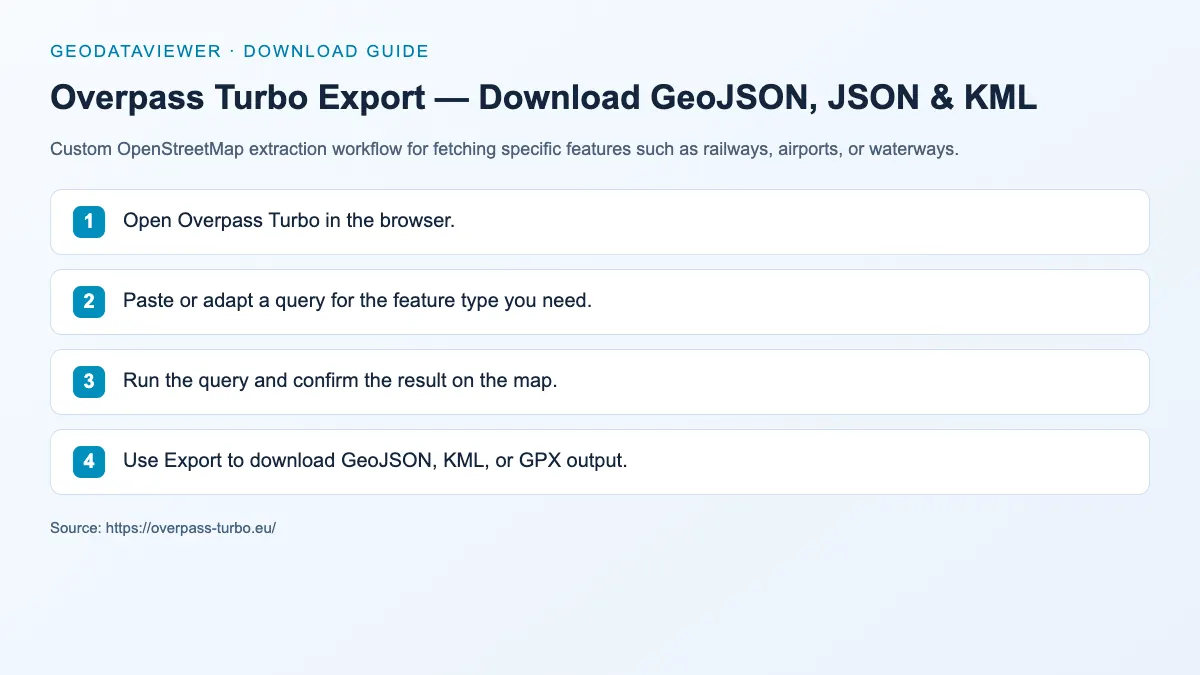
Download steps from this dataset’s GeoDataViewer guide. Follow the original provider for current files and access requirements.
How to download
- 1 Open Overpass Turbo in the browser.
- 2 Paste or adapt a query for the feature type you need.
- 3 Run the query and confirm the result on the map.
- 4 Use Export to download GeoJSON, KML, or GPX output.
FAQ
When should I use Overpass instead of Geofabrik?
Use Overpass when you need only one topic or one small area rather than a whole regional extract.
Can Overpass export GeoJSON directly?
Yes. GeoJSON is one of the most useful export options for browser-oriented GIS workflows.
Which Overpass export option should I choose?
Choose GeoJSON for map viewers and GIS applications, or Export → raw data/JSON when you need the original OSM elements for code or further processing. KML and GPX are useful for Google Earth and GPS workflows.