Sentinel Hub EO Browser
Quick answer: Sentinel Hub EO Browser is an interactive web application for searching, visualizing, and downloading satellite imagery from multiple missions.
Next step
Already have the export?
Open a GeoJSON result in the browser to inspect its map and attributes before sharing or converting it again.
Format
JPEG / PNG / GeoTIFF / KMZ
Geometry
Raster imagery
Coverage
Global
Resolution
Varies by sensor
About this dataset
Interactive web tool for visualizing and downloading Sentinel, Landsat, and other satellite imagery.
Use Sentinel Hub EO Browser to search, visualize, and download Sentinel, Landsat, MODIS, and other satellite imagery products.
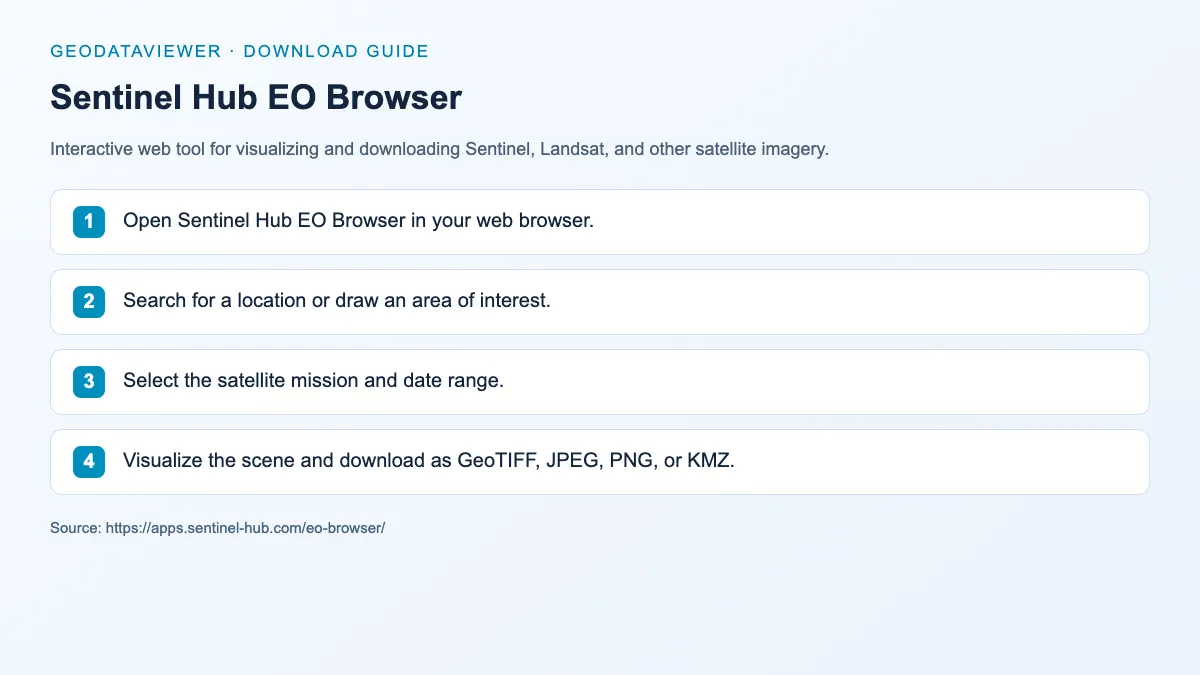
Download steps from this dataset’s GeoDataViewer guide. Follow the original provider for current files and access requirements.
How to download
- 1 Open Sentinel Hub EO Browser in your web browser.
- 2 Search for a location or draw an area of interest.
- 3 Select the satellite mission and date range.
- 4 Visualize the scene and download as GeoTIFF, JPEG, PNG, or KMZ.
FAQ
Which satellite missions does EO Browser support?
EO Browser supports Sentinel-1, Sentinel-2, Sentinel-3, Landsat, MODIS, and other missions.
Can I download raw satellite data from EO Browser?
EO Browser is optimized for visualization and subset downloads; full products may require mission-specific portals.