Sentinel-2 Data Download — Free Copernicus Imagery
Quick answer: Use Copernicus Browser to search, preview, and download free Sentinel-2 imagery by location, date, and cloud cover for GIS or remote sensing work.
Next step
Already have the export?
Open a GeoJSON result in the browser to inspect its map and attributes before sharing or converting it again.
Format
JP2 / COG
Geometry
Raster imagery
Coverage
Global
Resolution
10m
About this dataset
Searchable free Sentinel-2 imagery access with scene discovery, preview, and download workflow guidance.
Find and download free Sentinel-2 imagery through Copernicus Browser with a workflow aimed at GIS users and SEO-friendly task intent.
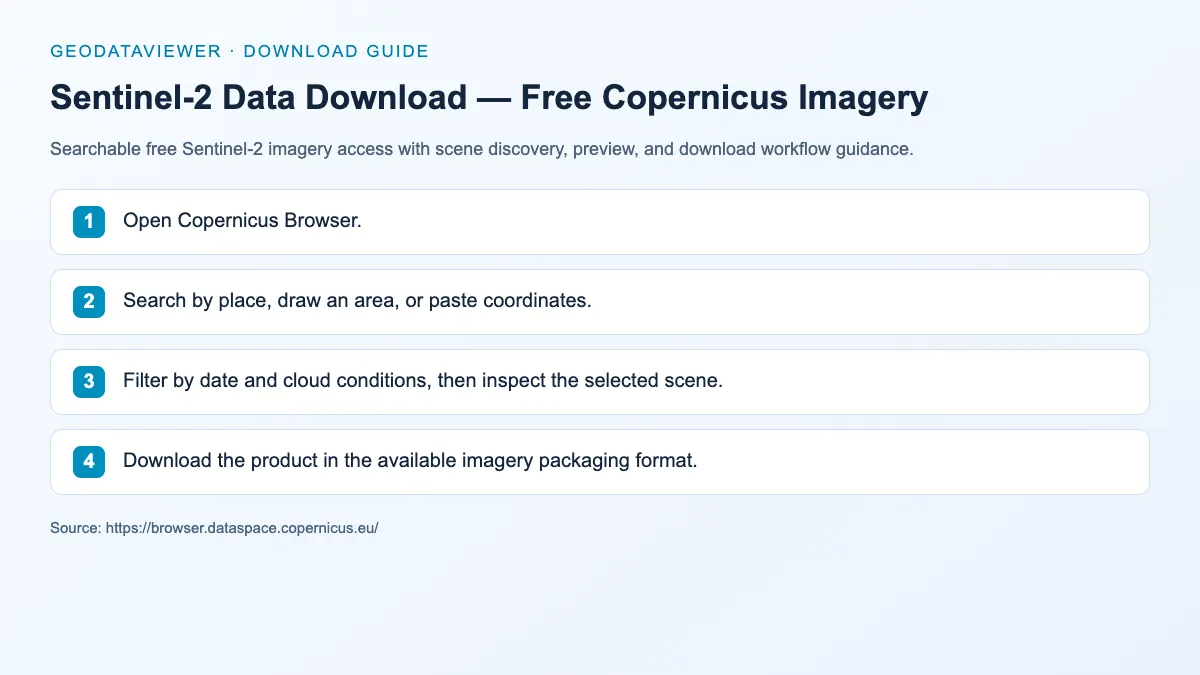
Download steps from this dataset’s GeoDataViewer guide. Follow the original provider for current files and access requirements.
How to download
- 1 Open Copernicus Browser.
- 2 Search by place, draw an area, or paste coordinates.
- 3 Filter by date and cloud conditions, then inspect the selected scene.
- 4 Download the product in the available imagery packaging format.
FAQ
Where can I visually search free Sentinel-2 scenes?
Copernicus Browser is one of the most accessible scene-search interfaces for Sentinel-2 data.
Should Sentinel-2 pages have a live preview here?
Usually no. The official browser already solves that problem better, so the local page focuses on task-oriented guidance and SEO/GEO structure.