Radio Browser Global Stations
Quick answer: Radio Browser provides a community-driven global directory of internet radio stations with coordinates, genres, and streaming URLs, accessible via a public JSON API and a pre-tiled PMTiles map layer.
Next step
Already have the export?
Open a GeoJSON result in the browser to inspect its map and attributes before sharing or converting it again.
Format
JSON / PMTiles
Geometry
Point
Coverage
Global
Resolution
Station-level points
About this dataset
Global internet radio station locations and metadata from the Radio Browser community directory with PMTiles map support.
Explore and download global radio station data from Radio Browser via the public JSON API or the pre-tiled georadios PMTiles layer for interactive map visualization.
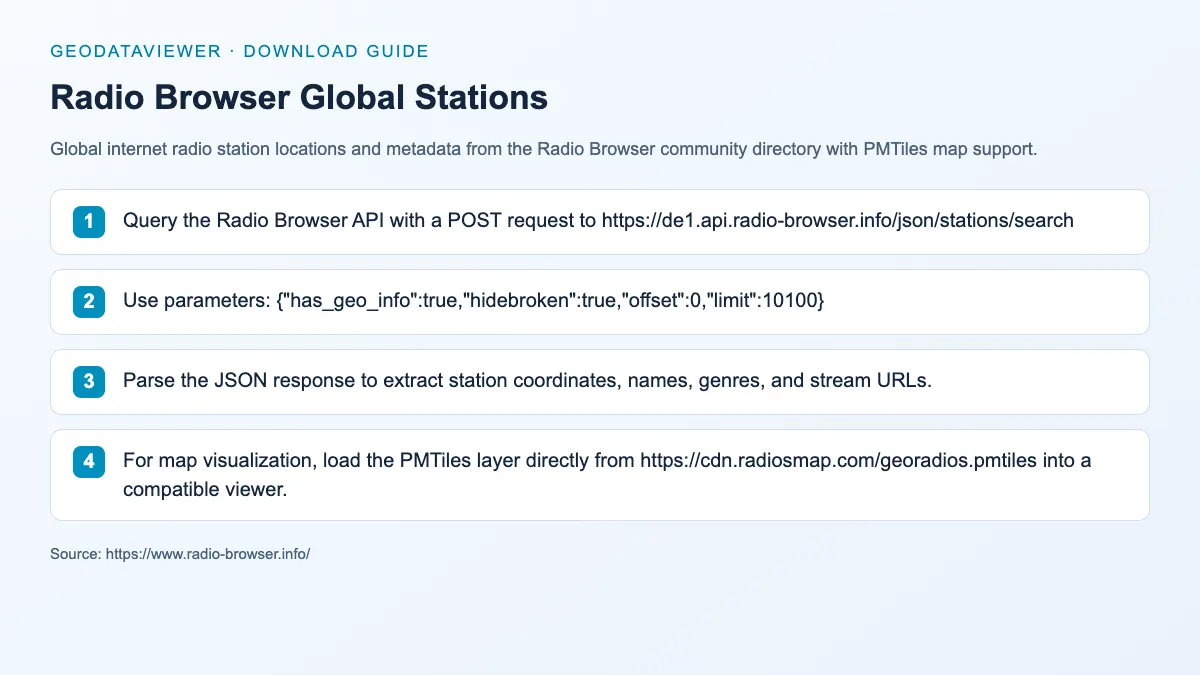
Download steps from this dataset’s GeoDataViewer guide. Follow the original provider for current files and access requirements.
Explore & Listen to World Radio Stations on RadiosMap
Want to listen to live radio broadcasts rather than only analyzing raw GIS coordinates? RadiosMap (radiosmap.com) is a dedicated web platform for exploring and listening to thousands of radio stations across the world in real-time. Tune in by exploring an interactive 3D Earth globe or searching by country, city, language, and music genre.
Spin the interactive 3D globe, zoom into any continent or city, and click station points to tune in live.
Instant search by station name, frequency, broadcasting country, language, or genre (Pop, News, Classical, Jazz, Talk).
100% free with zero downloads or registration needed. Listen directly in your browser with high reliability.
How to download
- 1 Query the Radio Browser API with a POST request to https://de1.api.radio-browser.info/json/stations/search
- 2 Use parameters: {"has_geo_info":true,"hidebroken":true,"offset":0,"limit":10100}
- 3 Parse the JSON response to extract station coordinates, names, genres, and stream URLs.
- 4 For map visualization, load the PMTiles layer directly from https://cdn.radiosmap.com/georadios.pmtiles into a compatible viewer.
FAQ
How do I query the Radio Browser API for stations with coordinates?
Send a POST request to https://de1.api.radio-browser.info/json/stations/search with JSON body: {"has_geo_info":true,"hidebroken":true,"offset":0,"limit":10100}. The response includes station metadata with latitude and longitude.
What is the georadios PMTiles layer?
georadios.pmtiles is a pre-tiled global dataset of radio station points hosted at https://cdn.radiosmap.com/georadios.pmtiles, optimized for fast browser-based map rendering with PMTiles-compatible viewers like MapLibre GL JS.
Can I filter radio stations by country or genre via the API?
Yes. The Radio Browser API supports filtering by country, language, genre (tag), and other parameters. See the API documentation at https://api.radio-browser.info/ for full parameter lists.
How can I listen to these radio stations live on an interactive 3D globe?
You can use RadiosMap (https://radiosmap.com/) to explore stations geographically on an interactive 3D Earth globe or search by country, language, and genre to stream audio live directly in your browser.